Romulus Rom Manager was for a long time the most approachable rom manager: where clrmamepro and RomCenter require you to understand romset vocabulary before clicking anything, Romulus simply downloads .dat files for you and shows what is right and what is not.
Romulus development has been officially stopped by its author: the software no longer receives updates. It still works, but the .dat files it downloads automatically may lag behind the versions Recalbox 10.1 expects — always check the romset version announced in Emulators > Arcade, and supply your own .dat when needed.
¶ Installing
- Download the archive from the official page.
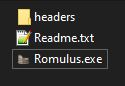
- Extract it into the folder of your choice: there is no installer.
- Run
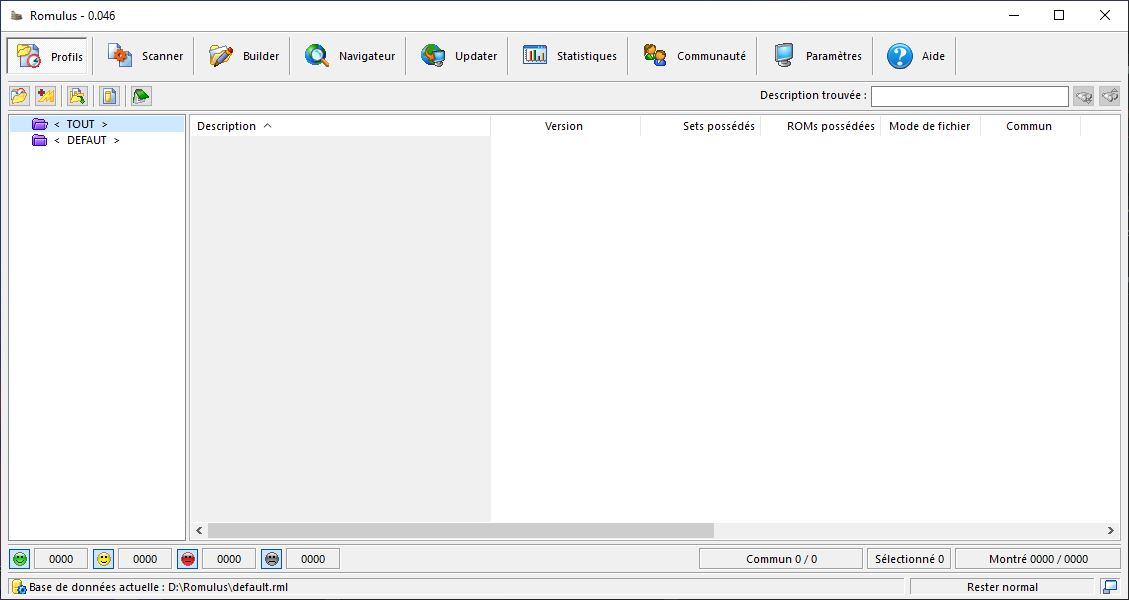
Romulus.exeand confirm the welcome screen withOK.
¶ How it works
Romulus works like every rom manager, in three stages:
- Load a .dat file — the reference listing of the expected contents, either downloaded by Romulus from its own database or supplied by you (No-Intro and Redump for consoles, progetto-SNAPS for MAME).
- Scan your rom folder — Romulus compares your files against the .dat and tells you, game by game, what is fine, what is misnamed, what is missing and what is extra.
- Fix — rename, reorganise, or rebuild a clean romset from a more complete source.
This is useful for consoles as much as for arcade: a well-kept console romset is what makes the scraper find your games on the first try.
For arcade, take the time to read Arcade in Recalbox: split, merged, non-merged, BIOS files and CHDs are explained there, and those notions matter whatever software you use.
¶ Which tool for which job?
| Situation | Recommended tool |
|---|---|
| Getting started with rom management, tidying a console collection | Romulus |
| Auditing an arcade romset in detail (samples, CHDs, filters) | clrmamepro |
| Converting a MAME selection from one romset version to another | RomCenter |
More tools are listed on the Rom management page.
¶ Want to take over the project?
Romulus's source code was obtained from its developer by a community member. If you want to take the project over and keep it alive, come and talk about it on the Recalbox Discord.