clrmamepro is the long-standing romset management tool. It compares your collection against a .dat file (the official listing of a romset's contents for a given emulator version) and does two essential things:
- Scan — tell you exactly what is missing, what is extra and what is corrupt;
- Rebuild — build a clean romset out of a newer or more complete one.
Before you start, read Arcade in Recalbox: romsets, types (split/merged/non-merged), BIOS files and CHDs are all explained there. Without those notions, clrmamepro's options make no sense.
¶ What you need
- The clrmamepro software — natively on Windows, through Wine on macOS or Linux. The archive is a portable build, there is nothing to install.
- A .dat file matching the romset version your core expects. The expected version for each core is listed in Emulators > Arcade, and .dat files can be found on progetto-SNAPS, No-Intro or Redump.
- Your source romset, and some free disk space for the rebuild.
- Where relevant: the samples and the CHDs.
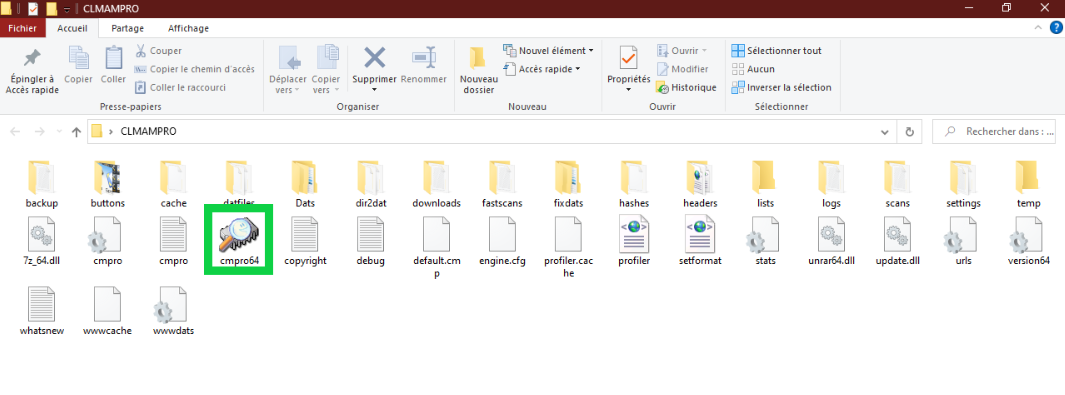
On Windows, run clrmamepro as administrator (right click
cmpro64.exe→Properties→Compatibilitytab → tickRun this program as an administrator). Otherwise some writes fail silently.
¶ Loading a .dat file
This step is common to scanning and rebuilding.
- Launch clrmamepro: the profile manager window appears.
- Click
Add DatFileand select your.datfile. - clrmamepro offers to file it into a folder; confirm with
OK(it creates aNEW DATFILESfolder if needed). - Select the newly created profile and click
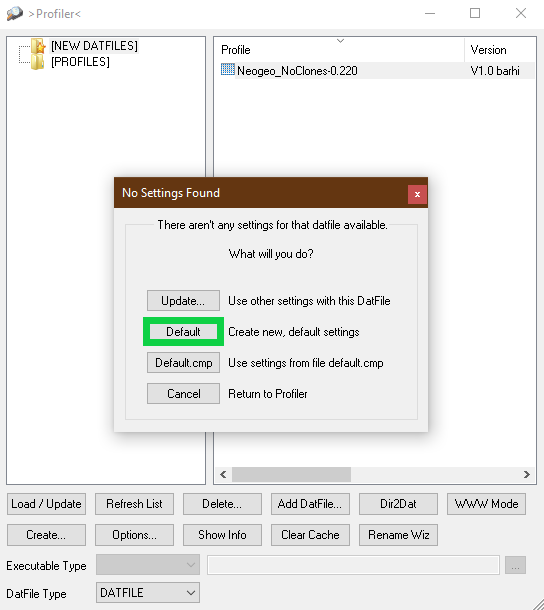
Load/Update. - When asked about the configuration, click
Default.
The file is loaded — several minutes for a full MAME .dat — and the main menu appears.
¶ Scanning: what is missing from my romset?
¶ 1. Point to your roms
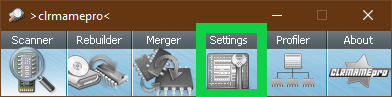
- From the main menu, click
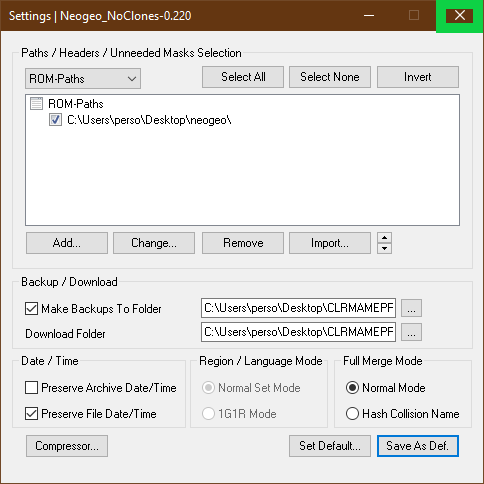
Settings. - Under
ROM-Paths, clickAddand pick the folder holding your romset. - If your romset uses samples, add their folder the same way under
Sample-Paths. - Click
Save As Def.to keep those paths, confirm, then close the window.
¶ 2. Set up the scan
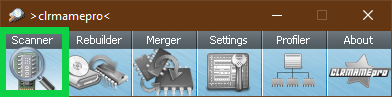
Back in the main menu, click Scanner. Three settings really matter:
You want to scan— what clrmamepro must examine:Sets(bios, games, drivers),Roms(the files inside each set),SamplesandCHDs.You prefer— the romset type you own:Non-merged,SplitorMerged. A wrong choice here produces hundreds of false positives.Check/Fix— the left column lists what gets checked, the right one what clrmamepro is allowed to fix.
With the
Fixboxes ticked, clrmamepro moves files that do not match the .dat into its internal backup folder. Run a first pass withoutFixto gauge the damage before allowing any correction.
¶ 3. Reading the results
Click New Scan. The results window lists the problems found, set by set (missing rom, wrong CRC, unneeded file…). Two places worth knowing:
- the
Miss Listtab exports the list of what you are missing — that is the document to keep handy to complete your romset; - the
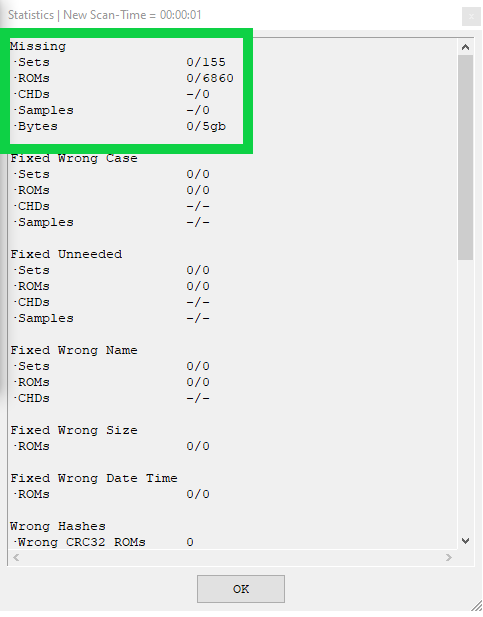
Statisticswindow gives the summary; the line that counts isMissing.
¶ Checking parent games only
A full MAME romset holds tens of thousands of clones you will never play. To work on parent games only:
- In the missing games window, click
Set Information(bottom left). - In the
Select Setsfield, type%c=?*. - Click
Inverton the right, then close the window. - Back in
Scanner, clickAdvancedand tickMark disabled sets as unneeded. - Close, then run the scan again.
More filters are documented on the clrmamepro forum.
¶ Rebuilder: building a clean romset
The Rebuilder takes a source romset (often a newer or more complete one) and extracts from it exactly what your .dat file describes, into a fresh destination folder.
- Load the .dat file of the target version (see above).
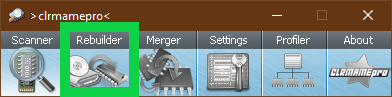
- From the main menu, click
Rebuilder. - Under
Source, point to your starting romset folder. - Under
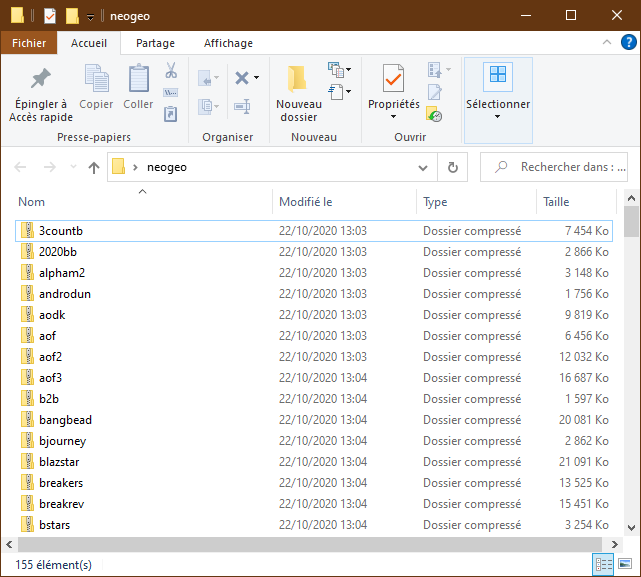
Destination, point to an empty folder that will receive the rebuilt romset. - Set:
Merge Options— the romset type to produce:Non-merged,SplitorMerged;Compress Files/Recompress Files— archive format and recompression (the defaults are fine);Show Statistics— shows the summary at the end;Remove Matched Sourcefiles— deletes consumed files from the source as it goes. Only enable it if you know what you are doing.
- Click
Rebuildand let it work.
Always finish with a scan of the destination folder: that is the only way to confirm the resulting romset is complete.
¶ Other tools
clrmamepro is powerful but austere. For something simpler, or to convert a selection of games from one romset version to another, see RomCenter and the list of rom management tools.