The bootloader (also called the EEPROM) is the firmware burned into the Raspberry Pi itself, which starts the machine before the operating system takes over. Keeping it up to date fixes boot bugs, improves compatibility with USB and NVMe devices, and refines thermal management.
Recalbox can do it on its own: no external tool, no dedicated SD card.
Available on Raspberry Pi 4, 400, 5 and 500. Other models have no EEPROM to update: the menu entry does not appear there.
¶ Before you start
- Your Recalbox must be up to date (update): the available firmware is the one shipped with the installed version.
- Do not cut the power during the operation.
¶ The procedure
- In the interface, press
STARTto open theMAIN MENU. - Go to
ADVANCED SETTINGS. - Scroll down to
BOOTLOADER UPDATEand confirm. - A window shows the installed version and the available version. Confirm with
UPDATE!. - In less than ten seconds, a message confirms the operation succeeded.
- Confirm: Recalbox offers to reboot. Accept — the new bootloader only becomes active after that reboot.
¶ Checking
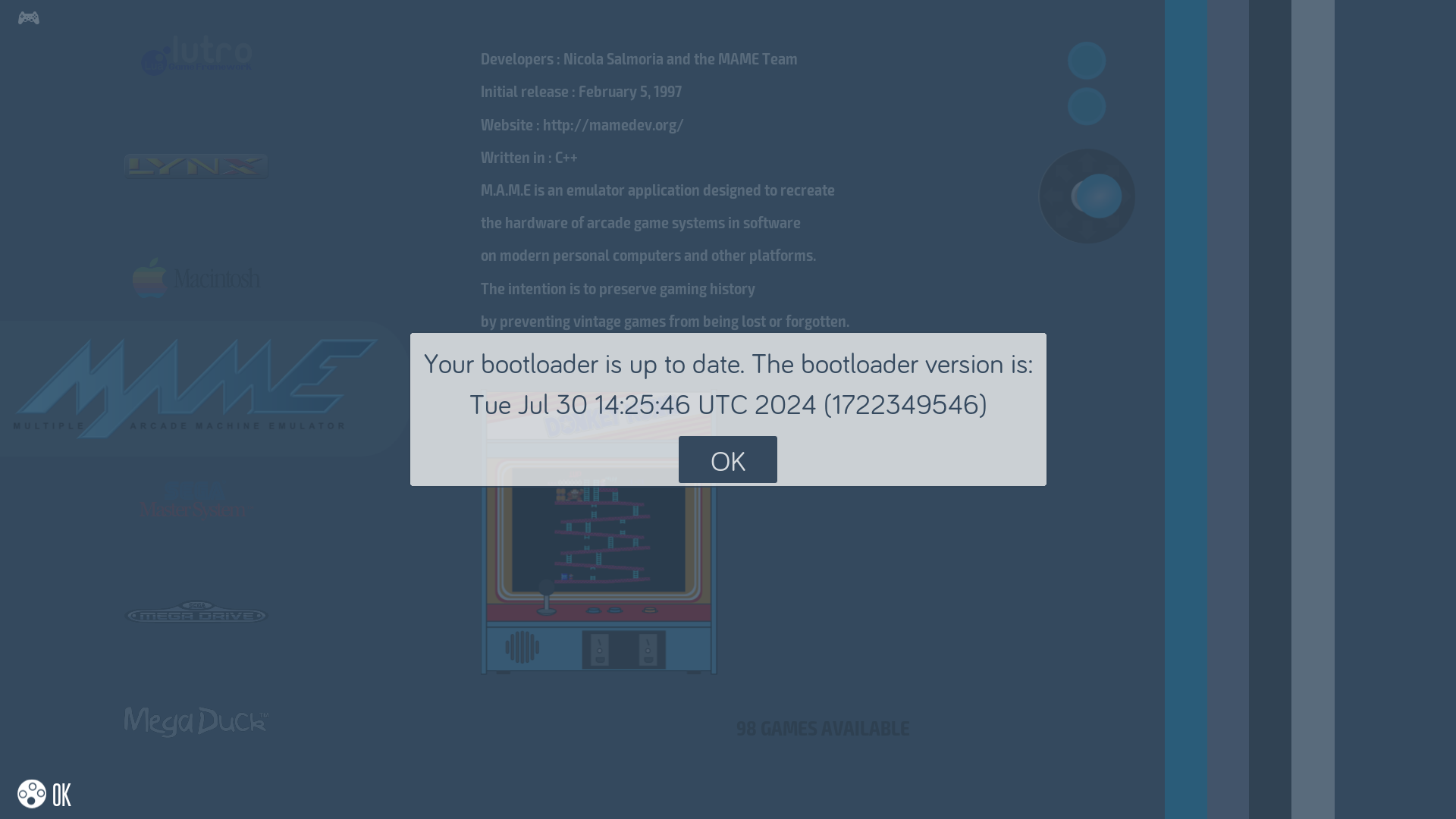
Go back to ADVANCED SETTINGS → BOOTLOADER UPDATE: a message now tells you the bootloader is up to date, along with its version.
¶ When should you do it?
- Before fitting an NVMe SSD to a Raspberry Pi 5: older versions handle NVMe detection and booting poorly. See Using an NVMe SSD as storage.
- If your Pi refuses to boot from a USB device.
- After changing the power supply or hardware and seeing odd behaviour at boot.
- Otherwise, once in a while is enough: this is not something to repeat at every Recalbox update.
¶ If it fails
A Could not get bootloader status or Could not update bootloader message usually means the boot partition could not be written to. Reboot the Recalbox and try again; if the problem persists, come and discuss it on the Recalbox Discord with a support archive (generated from the Web manager).