The Neo-Geo is one of the rare systems that requires a BIOS: without it, no game will start. Once that file is in place, the Universe BIOS (or UNIBIOS) opens up a world of settings the original BIOS never offered.
¶ The Neo-Geo BIOS
The FinalBurn Neo and MAME cores expect a neogeo.zip file, which can go either in:
/recalbox/share/bios/neogeo.zip
or next to your games:
/recalbox/share/roms/neogeo/neogeo.zip
That file must match your romset. Recalbox's BIOS manager will tell you straight away whether it is recognised.
The newcomer Geolith core does not read the usual
.zipformat: it expects.neoroms and its own BIOS files in/recalbox/share/bios/geolith/aes.zipand/recalbox/share/bios/geolith/neogeo.zip.
¶ What the Universe BIOS gives you
The UNIBIOS is an alternative BIOS written by the community. Among other things it adds:
- region switching (Europe, USA, Japan) and mode switching (AES console / MVS cabinet);
- access to the soft dips: difficulty, number of lives, timers, on-screen blood…;
- a built-in cheat code database;
- a jukebox to listen to the game's music, and plenty of other extras.
¶ Enabling the UNIBIOS with FinalBurn Neo
The latest UNIBIOS is included in an up-to-date FinalBurn Neo romset: there is nothing to download.
- Start a Neo-Geo game.
- Open the RetroArch menu with
HOTKEY+B, thenOptions. - Scroll down to the
Neo-Geo modeoption (set toDIPSWITCHby default). - Choose the
UNIBIOSvalue. - Close the menu: the game restarts with the UNIBIOS active.
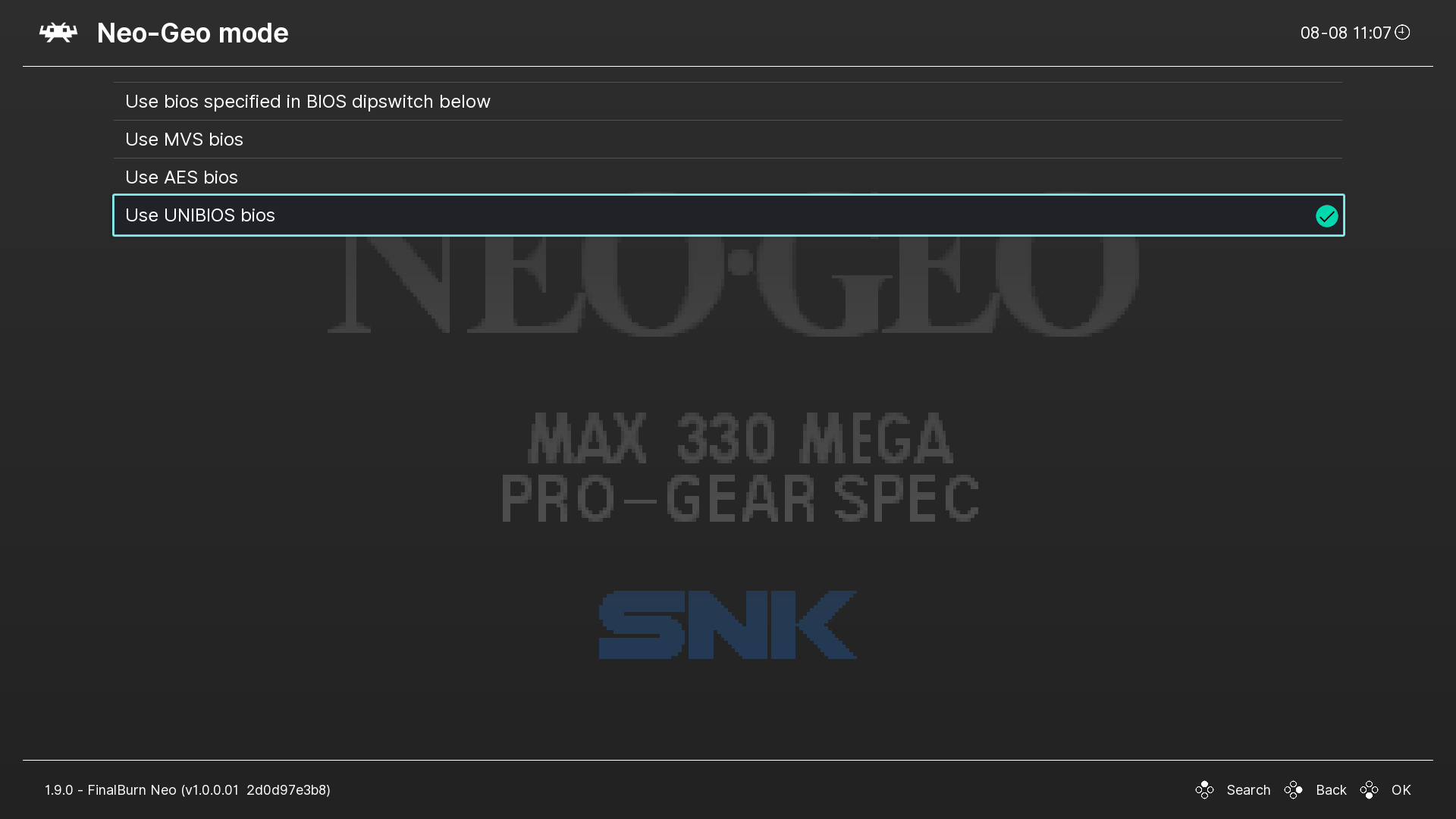
The other Neo-Geo mode values (MVS Europe/Asia, MVS USA, MVS Japan, AES Europe/Asia, AES Japan) let you force a regional BIOS directly, without going through the UNIBIOS.
¶ Using the UNIBIOS
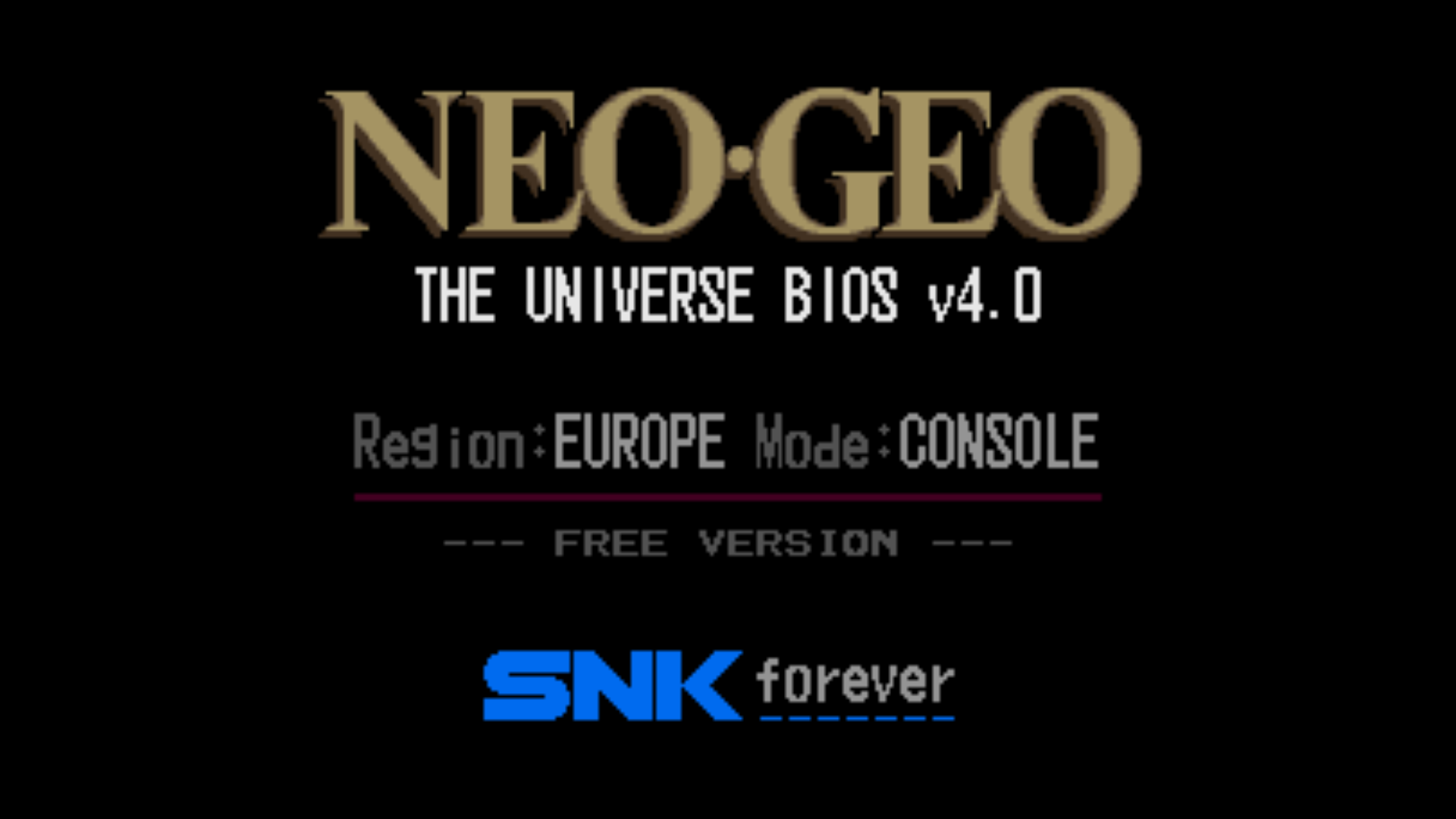
When a game starts, the UNIVERSE BIOS boot screen appears.
- Main menu: during the boot screen, hold
Y+B+A(that isC+A+Bon an original Neo-Geo controller). - In-game menu: hold
X+A+B+START. - Leave the menu:
X(buttonCon the original pad). - Dip switch menu: during the boot screen, hold
Y+X+A(that isC+D+Bon the original pad).
Inside the menus, A confirms, C goes back, and A and B change values.
¶ Example: showing blood in Metal Slug
- Enter the dip switch menu, then
SETTING UP THE SOFT DIP. - Select
SLOT1 METAL SLUG. - Move to
BLOODand switch the value fromOFFtoON.
¶ See also
- Arcade in Recalbox — romsets, BIOS files and dependencies.
- Neo-Geo CD — game formats and CD BIOS files.