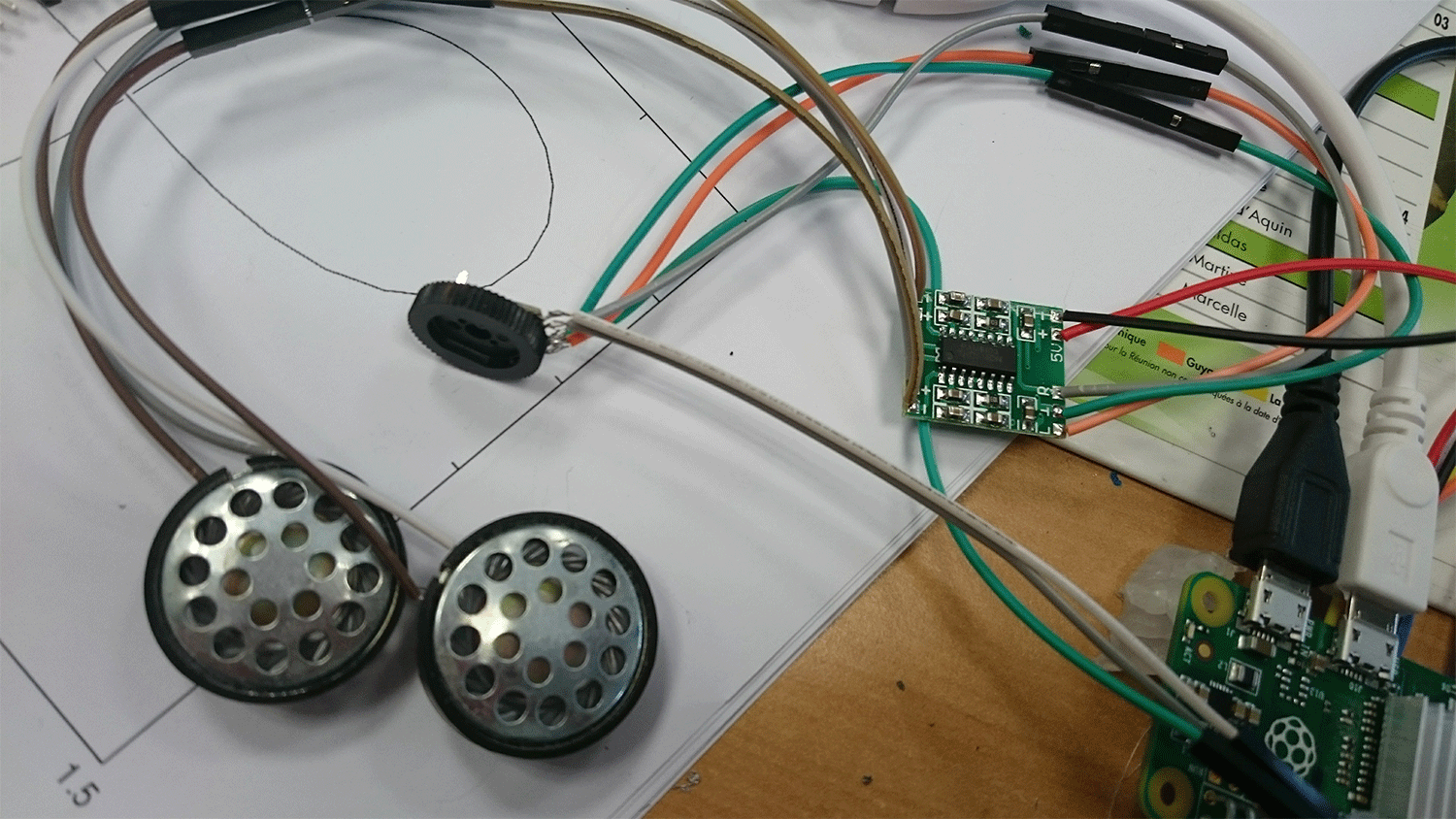
The Raspberry Pi Zero 2 W has no headphone socket: to keep it small and cheap, the analog audio filter found on the bigger Raspberry Pi boards was left out. Sound therefore only comes out digitally over HDMI.
That is fine on a TV, but a problem in an embedded build: a small TFT screen on SPI/I2C/DPI, a mini bartop, a home-made handheld… there is simply no audio output.
This page describes a do-it-yourself electronics build, outside official Recalbox support. You solder at your own risk. Simpler options, if you have room for them: an HDMI→VGA adapter with a jack output, a small USB sound card (recognised out of the box, see Audio), or an I2S DAC.
¶ Why it works anyway
On other Raspberry Pi boards, analog sound is produced by two PWM outputs followed by a filtering circuit. The Pi Zero 2 does have those PWM outputs, but they are routed to pins (GPIO 40 and 45) that are not exposed on the connector.
The trick is to reroute the two PWM channels to accessible GPIO pins — PWM0 on GPIO 18, PWM1 on GPIO 13 — then build the analog filter yourself.
¶ Recalbox-side configuration
Add the following line to /boot/recalbox-user-config.txt (see remounting the boot partition with write access):
dtoverlay=pwm-2chan,pin=18,func=2,pin2=13,func2=4
The pwm-2chan overlay ships with the Raspberry Pi kernel used by Recalbox: there is nothing to compile or install. After a reboot, PWM0 sits on GPIO 18 (connector pin 12) and PWM1 on GPIO 13 (pin 33).
Then go to START → SOUND SETTINGS → OUTPUT DEVICE to select the analog output.
¶ Quick test, without the filter
You can check that the signal is there before soldering anything: connect a headphone speaker directly between a PWM pin and a ground pin. You should hear sound — imperfect, which is expected since nothing is filtered yet.
¶ The analog filter
For a decent result you need a low-pass filter on each channel. Parts needed:
- 2 × 270 Ω resistors;
- 2 × 150 Ω resistors;
- 2 × 10 µF capacitors;
- 2 × 33 nF capacitors (22 nF or 10 nF also work).
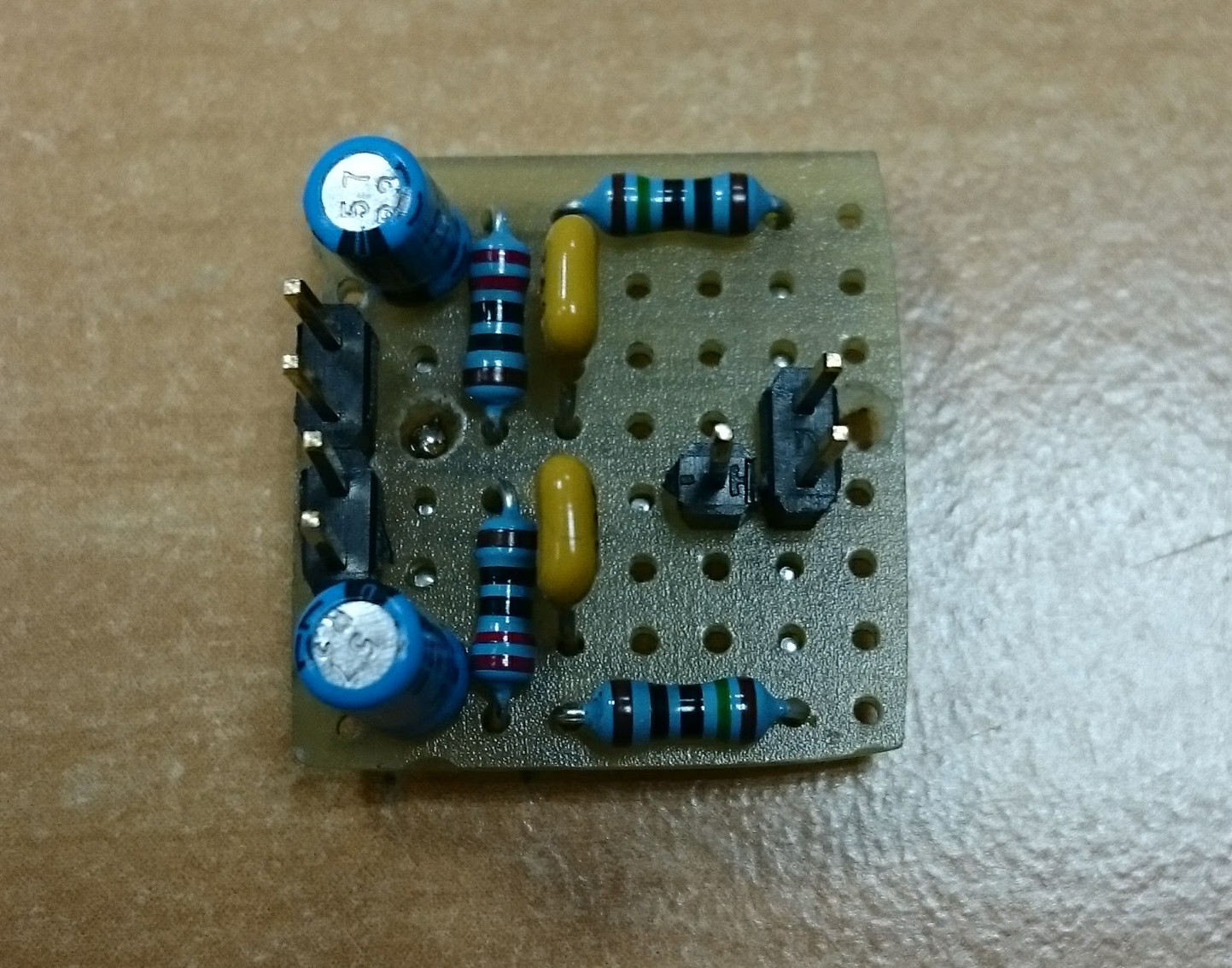
The detailed schematic and the original explanations are documented on Adafruit's page about PWM audio on the Pi Zero.
¶ Amplification and volume
The filtered signal is very low level and must be amplified. A small 5 V, 2 × 3 W amplifier does the job nicely, and a stereo audio potentiometer lets you add a physical volume knob to the build.