On a Model 3 cabinet, the game region — and with it the language of the texts, the track names or the censorship — is set from the test menu, often behind a secret button combination known only to arcade operators. This page collects those combinations, game by game.
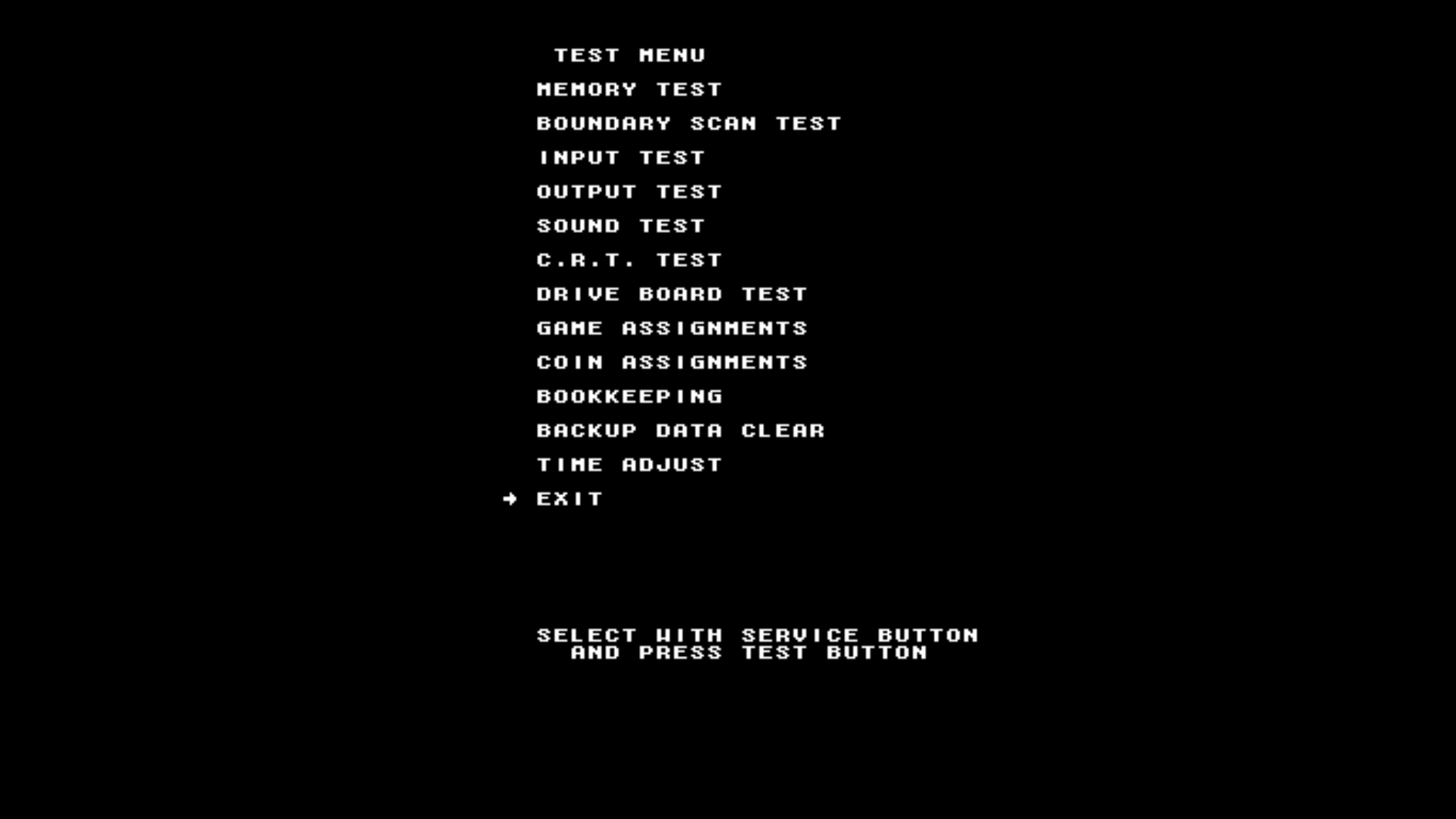
The test menu opens with the cabinet's SERVICE and TEST buttons, that is L3 and R3 on your controller. Check beforehand that the Service button option is enabled in the Supermodel settings (MAIN MENU → ADVANCED SETTINGS → ADVANCED EMULATOR CONFIGURATION → SEGA MODEL3).
On these games the region is baked into the rom: no setting is possible.
- Dirt Devils
- Emergency Call Ambulance
- Scud Race, Australian version only (the other versions can be set normally)
¶ Daytona USA 2
Valid for both "Battle on the Edge" and "Power Edition".
| Function in the test menu | Button |
|---|---|
| Move the arrow up | Y |
| Move the arrow down | X |
| Increase selection | A |
| Decrease selection | B |
| Confirm | L3 |
- While holding
STARTdown, enter the sequenceB,B,X,A,Y,A,X. - You land in
COUNTRY ASSIGNMENTS: move the arrow toCOUNTRY.
Then change the value until you reach the country you want (Japan, Korea, Australia, Export, USA), then confirm.
¶ Fighting Vipers 2
| Function in the test menu | Button |
|---|---|
| Move the arrow up | X |
| Move the arrow down | B or R3 |
| Confirm / change value | A or L3 |
- Enter the
GAME ASSIGNMENTSsub-menu and move the arrow toCountry. - On the D-pad, enter the sequence: 3×
LEFT, 2×RIGHT, 1×LEFT. - Change the country with
L3(Japan, USA, Export, Asia). - Leave the menu by moving the arrow down to
EXIT.
¶ Harley-Davidson & L.A. Riders
| Function in the test menu | Button |
|---|---|
| Move the arrow up | X or R1 |
| Move the arrow down | B, L1 or R3 |
| Confirm / change value | A or L3 |
- Enter the
GAME ASSIGNMENTSsub-menu. - Enter the sequence: 2×
R1, 2×L1,X,B,X,B. TheCountryline appears at the bottom of the screen. - Move the arrow down one step, then change the country with
L3(Japan, USA, Export, Korea, Australia). - Leave the menu by moving the arrow up to
EXIT.
¶ L.A. Machineguns
| Function in the test menu | Button |
|---|---|
| Move the arrow down | R3 |
| Confirm / change value | L3 |
- Enter the sequence: 2×
START, 1×R3, 3×START, 1×R3, 1×L3. - You land in
COUNTRY SELECT MODE.
The buttons do not have the same meaning in
COUNTRY SELECTas in the test menu:R3changes the value,L3confirms.
Then change the value until you reach the country you want (Japan, USA, Export, Australia), then confirm.
¶ Le Mans 24
| Function in the test menu | Button |
|---|---|
| Move the arrow down | R3 |
| Confirm / change value | L3 |
- Enter the sequence: 2×
START, 2×R3, 1×START, 1×L3. - You land in
COUNTRY SELECT MODE.
In
COUNTRY SELECT:R3changes the value,L3confirms.
Then change the value until you reach the country you want (Japan, USA, Export, Australia), then confirm.
¶ Magical Truck Adventure
Only the Japanese region is available on this game.
| Function in the test menu | Button |
|---|---|
| Move the arrow down | R3 |
| Confirm / change value | L3 |
- Enter the sequence:
START,START,R3,START,R3,L3. - Change the value to
Japan, then confirm.
¶ Scud Race
| Function in the test menu | Button |
|---|---|
| Move the arrow down | R3 |
| Confirm / change value | L3 |
If the game shows the Network board not present error: enter the test menu, move down to GAME ASSIGNMENTS, go to LINK ID and replace MASTER with SINGLE.
¶ Sega Bass Fishing
| Function in the test menu | Button |
|---|---|
| Move the arrow down | R3 |
| Confirm / change value | L3 |
- Enter the
C.R.T. TESTsub-menu and go to page 2/2 (the page number is shown at the top of the screen) withL3. - Press
R34 times, then exit withL3. - Back in the test menu, enter
GAME ASSIGNMENTS. - Press
R33 times, thenL3+R3.
In
COUNTRY SELECT:R3changes the value,L3confirms.
Then change the value until you reach the country you want (Japan, USA, Export, Australia), then confirm.
¶ Sega Rally 2
| Function in the test menu | Button |
|---|---|
| Move the arrow down | R3 |
| Confirm / change value | L3 |
- Enter the sequence with
R3, using short and long presses: 4× short, 2× long, 2× short, 1× long. - You land in
COUNTRY SELECT MODE.
In
COUNTRY SELECT:R3changes the value,L3confirms.
Then change the value until you reach the country you want (Japan, USA, Australia, Export), then confirm.
¶ Ski Champ
| Function in the test menu | Button |
|---|---|
| Move the arrow down | R3 |
| Confirm / change value | L3 |
- Enter the sequence:
Y,A,Y,A,R3,R3. - You land in
COUNTRY SELECT MODE.
In
COUNTRY SELECT:R3changes the value,L3confirms.
Then change the value until you reach the country you want (Japan, USA, Export, Korea, Australia), then confirm.